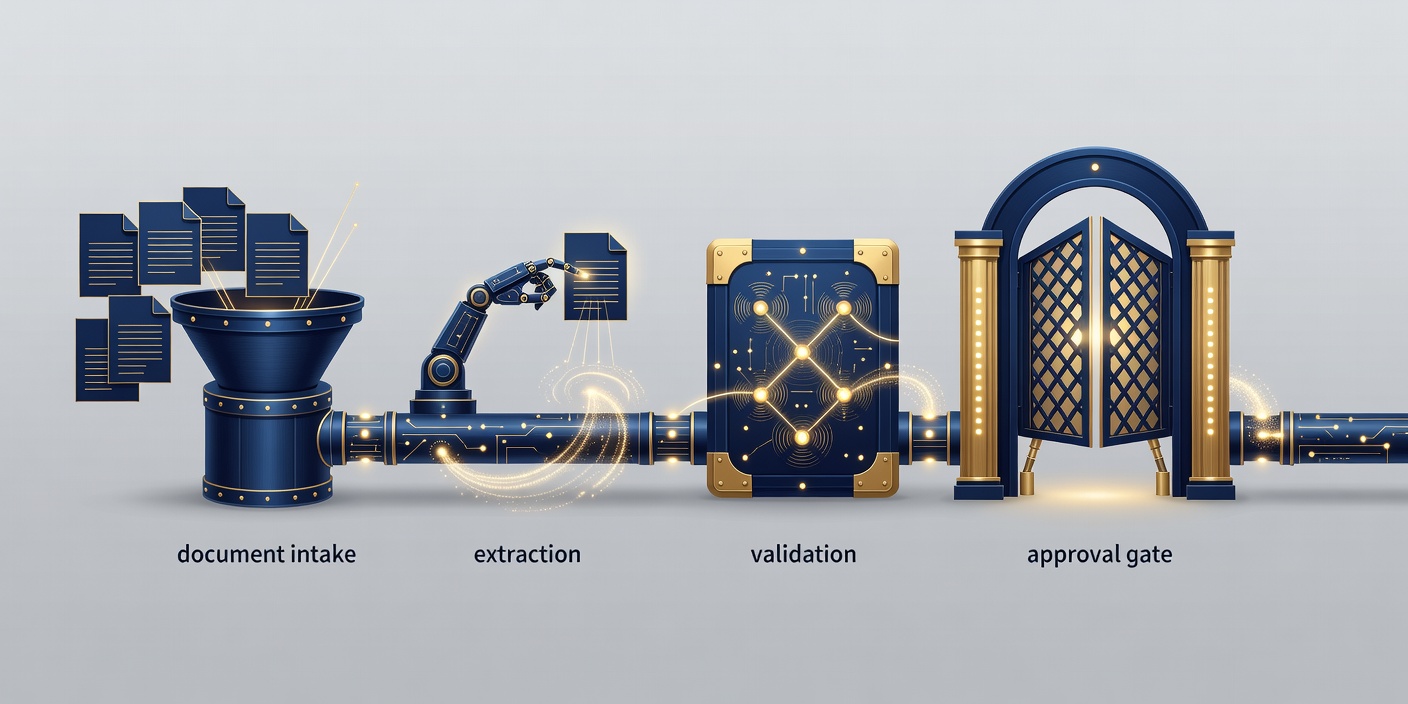
Map the hand-offs first
A workflow is more than a sequence of software calls. It includes the person who notices an exception, the team that owns a queue and the record that proves what happened. Map those hand-offs before replacing manual steps. Otherwise, automation can move an unclear task around faster without making it easier to finish.
Document intake is a useful place to examine the distinction. A system might read an attachment, extract fields and suggest a category. Checking that a supplier exists in an approved database is a separate operation. Authorising a payment is another. Keep those responsibilities separate instead of asking a language model to make the entire decision.
Put AI where the input varies
Optical character recognition converts text in an image into machine-readable text. A language model can then help interpret varied wording or draft a summary. Neither step makes the result authoritative. Poor scans, unusual layouts and ambiguous descriptions can introduce errors that look plausible in a neatly formatted output.
Use deterministic validation for dates, required fields, permitted categories and identifiers. Where a field cannot be supported by the source, preserve that uncertainty rather than inventing a value. A model’s stated confidence is not a reliable substitute for an evaluation against labelled examples. Route incomplete or contradictory records to an accountable reviewer.
Choose an orchestration tool deliberately
Microsoft Power Automate provides a workflow environment built around triggers, actions and connectors. It can be worth considering when a process already sits within Microsoft services. Check connector permissions, licensing, environment separation and the administrative controls your organisation needs in the Power Automate documentation.
n8n uses a node-based workflow model and offers a self-hosting route. That can suit teams that need control over deployment and custom connections, but running it brings responsibility for updates, secrets, backups and availability. Review the n8n documentation and licence terms. A custom application may fit complex logic better than an increasingly tangled visual workflow.
Make retries safe
Networks fail. Services take too long to respond. A workflow must distinguish a request that failed before it reached a system from one that succeeded but lost its acknowledgement. Blindly repeating an action can create duplicate records or send the same message again.
Use an idempotency key where the receiving system supports it: a stable identifier that helps recognise repeated attempts at the same operation. Record workflow state outside the model conversation. Define retry limits, an exception queue and a manual recovery route. A failed step should leave a trace that someone can understand without reading a long stream of generated text.
Design review as actual work
A review button is not enough. Show the source, the proposed change and the reason it needs attention. Let the reviewer correct an extracted field without restarting the whole process. Record approval separately from generation so you can establish who authorised an action and what information they saw.
Set sensible access boundaries. Reading a shared mailbox does not require permission to delete its contents. Drafting a customer response does not require permission to send it. Start with the minimum capability needed and expand only when the process, evidence and accountability justify the extra authority.
Hand over a workflow people can run
A scoped automation service can cover process mapping, connector design, exception handling, evaluation and operating instructions. Agree the deliverables before implementation. Include the non-AI parts: account ownership, expiry of credentials, notifications and the procedure for pausing the workflow.
Judge the result by completed work and review burden, not by the number of automated steps. A shorter workflow with a clear exception route can be more useful than a fully automatic chain that staff do not trust. For document-based answers rather than transactional actions, explore knowledge assistants. For application-level connections, see AI integration.