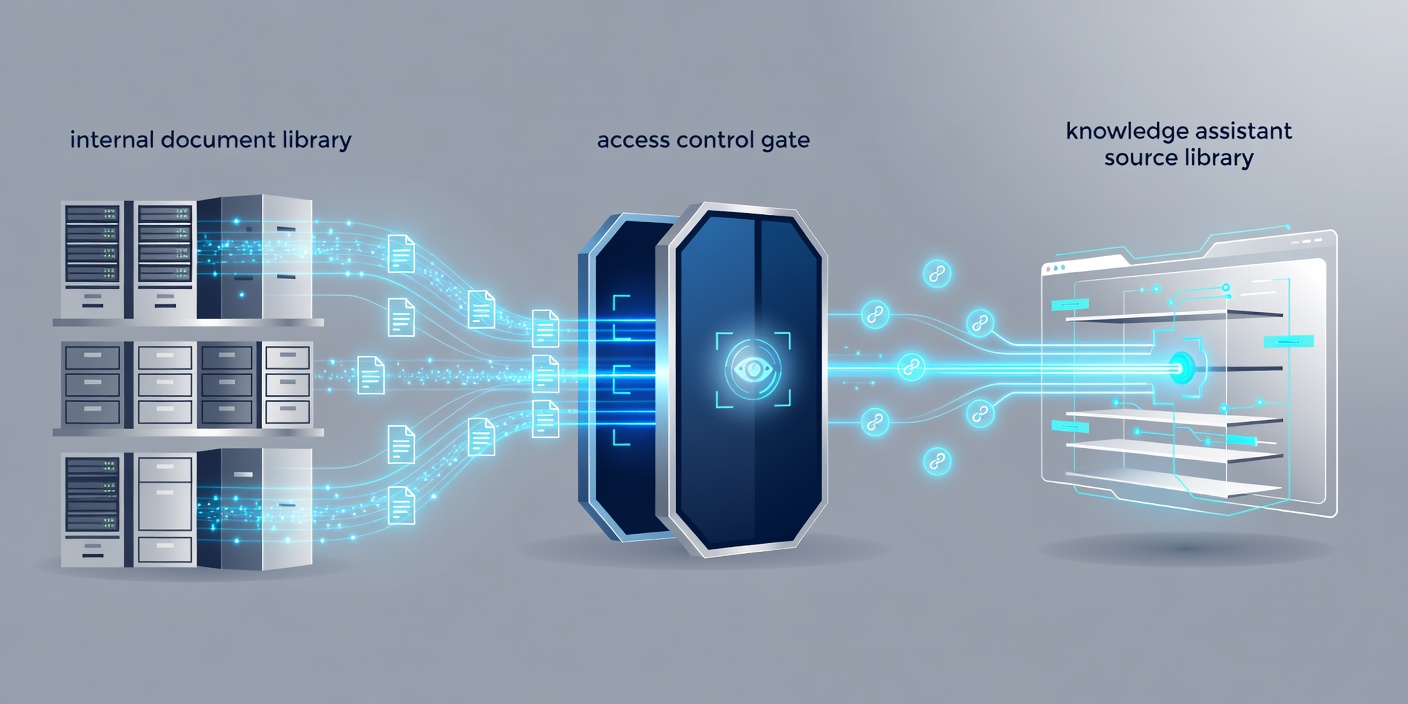
Start with a bounded library
A knowledge assistant is easier to assess when its purpose is narrow. Internal equipment guidance, a maintained product manual or an approved service policy gives you a clearer scope than every document in the organisation. Identify the questions people need answered and the source owner responsible for each subject.
SharePoint libraries, exported help-centre articles and controlled file stores can all supply material. The important distinction is not the storage brand. It is whether documents have owners, reliable access rules and a way to retire outdated content. An assistant cannot resolve contradictory policies simply because both files are available to it.
Understand retrieval-augmented generation
Retrieval-augmented generation, often shortened to RAG, retrieves relevant material and supplies it to a language model alongside the user’s question. The model then generates an answer using that context. This differs from expecting the model’s training alone to contain your organisation’s information.
A typical retrieval system divides documents into passages and indexes them. Embeddings represent text numerically so passages can be compared by similarity. Keyword search remains useful for exact identifiers, product codes and specialist terms. Combining keyword and vector retrieval can address different kinds of query, but the benefit should be assessed against your actual questions.
Keep permissions attached to the content
Do not turn a restricted document store into a broadly accessible search index. The system must determine which passages the requesting user may access before those passages enter the model’s context. A prompt saying “do not reveal confidential information” is not an access-control mechanism.
Plan for permission changes, deleted accounts and removed documents. Copies in indexes, caches and conversation histories need attention as well as the original source. If SharePoint is the source, understand how its permissions map into the retrieval layer rather than assuming a connector handles every case. See Microsoft’s SharePoint documentation for the underlying platform concepts.
Make evidence easy to inspect
Useful citations point to the passage that supports a claim, not merely to a large document with a similar title. Preserve source titles, locations and revision information during ingestion. Where a user cannot open the cited source, the system should not present the link as if it resolves the question.
Require the assistant to distinguish a supported answer from missing information. An appropriate response may be to ask a clarifying question or direct the user to a named internal role. Citations do not themselves prove that an answer follows from the source. Evaluation must check both the retrieved evidence and the generated statement.
Test retrieval and answers separately
If the right passage never reaches the model, rewriting the response prompt is unlikely to fix the root cause. Inspect which documents were retrieved, whether the relevant passage was included and whether important context was split across sections. Tables, scanned documents and footnotes often need special treatment during extraction.
Then assess the answer for supported claims, completeness, appropriate refusal and clear wording. Include questions with outdated terminology, conflicting sources and no answer in the library. Treat document text as untrusted input: a malicious instruction inside a file must not gain authority over the system’s rules or access controls.
Keep ownership after launch
A scoped assistant engagement can include source selection, retrieval design, permission handling, an evaluation set and guidance for maintaining the library. Agree who updates documents, investigates reported answers and decides when a change needs retesting. Model updates and revised source content can both alter behaviour.
Begin with read-only assistance where possible. Adding actions such as editing records or sending messages changes the risk and belongs in a separate design discussion. Use AI governance to assign responsibilities and AI integration to connect identity, logging and application controls. A helpful assistant should make uncertainty visible, not hide it behind a polished reply.